



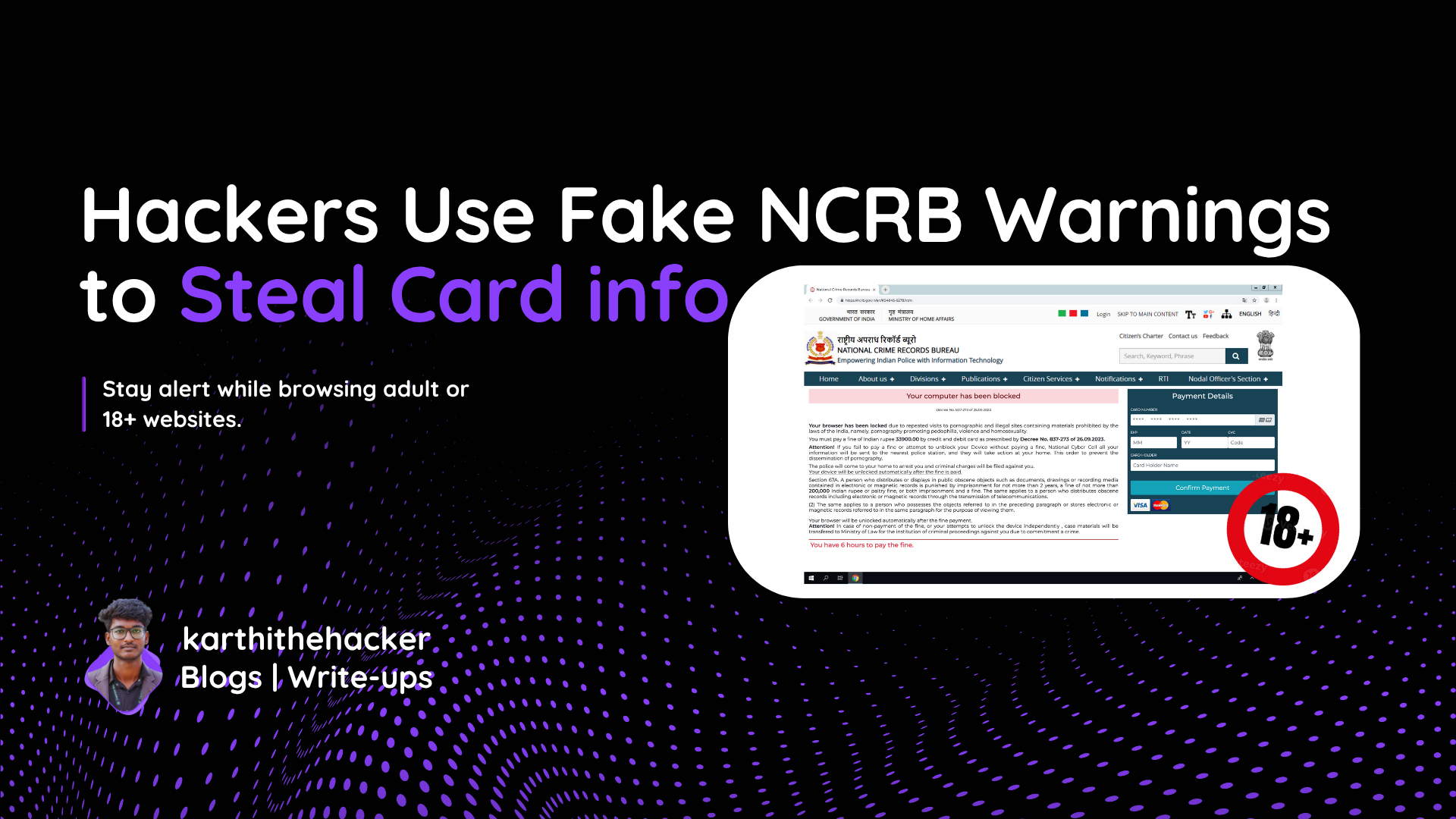


🚨 Deep Dive into the Fake NCRB Scam: Browser Locker, Base64 Obfuscation & Credit Card Theft
Just a few days ago, I received a panicked call from a person who had fallen victim to a terrifying online scam. His laptop screen was completely locked, and a fullscreen warning declared that he had accessed illegal content. The site claimed to be the National Crime Records Bureau (NCRB) and demanded a fine to unlock the system. The victim was moments away from making the payment, convinced it was legitimate. Thankfully, our conversation convinced him otherwise.
I advised him to press Fn + F11 to exit fullscreen—this immediately released the browser lock. Once I got the domain—https://inpaunqsl.site—I began a full technical analysis.
🧠 Scam Overview
The attacker uses a combination of web deception, fullscreen manipulation, base64 obfuscation, and fear tactics to create a fake warning page that locks the user's screen and demands a fine.
🔍 Initial Site Analysis
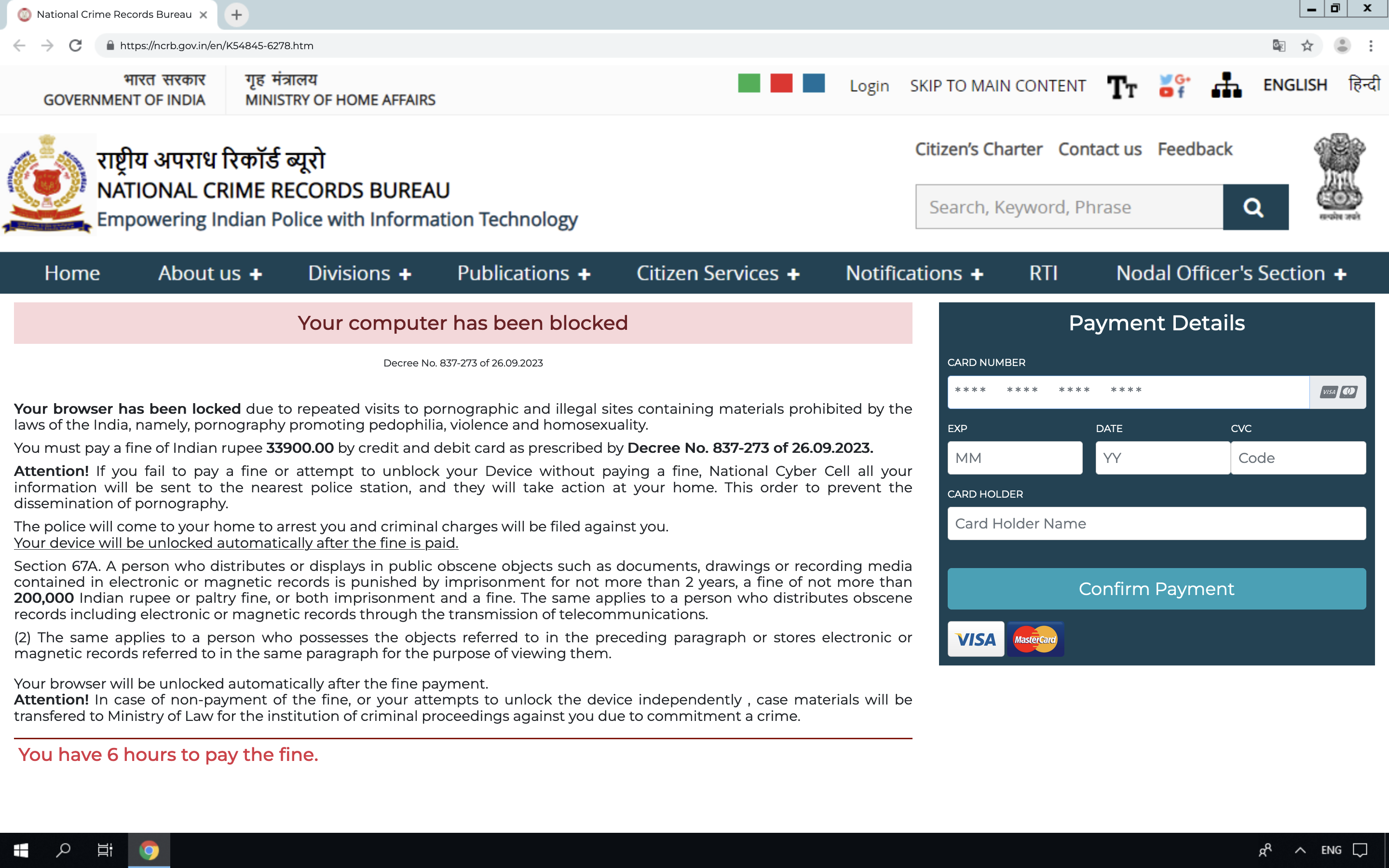
Upon visiting the site, I found it mimics a legitimate NCRB warning page. The URL inpaunqsl.site is designed to look official, but it’s clearly a phishing attempt.
  🔗 Domain: inpaunqsl.site
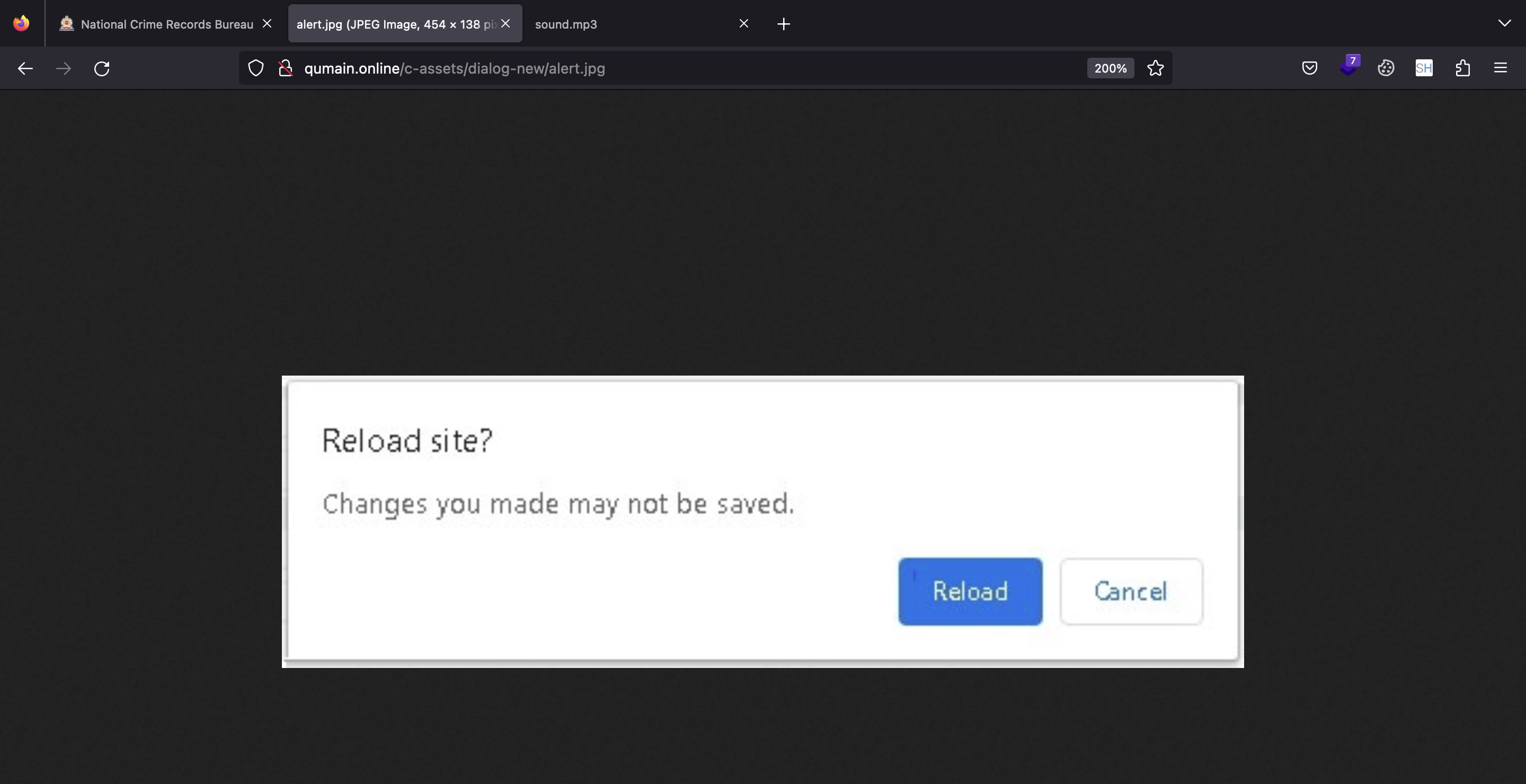
  🖼️ Fake Alert Image: https://inpaunqsl.site/c-assets/dialog-new/alert.jpg
  🔊 Threat Audio File: https://inpaunqsl.site/c-assets/mp3/sound.mp3
The site forces fullscreen and plays an audio that says the user will face criminal charges unless a fine is paid. This is designed to cause panic and cloud judgment.
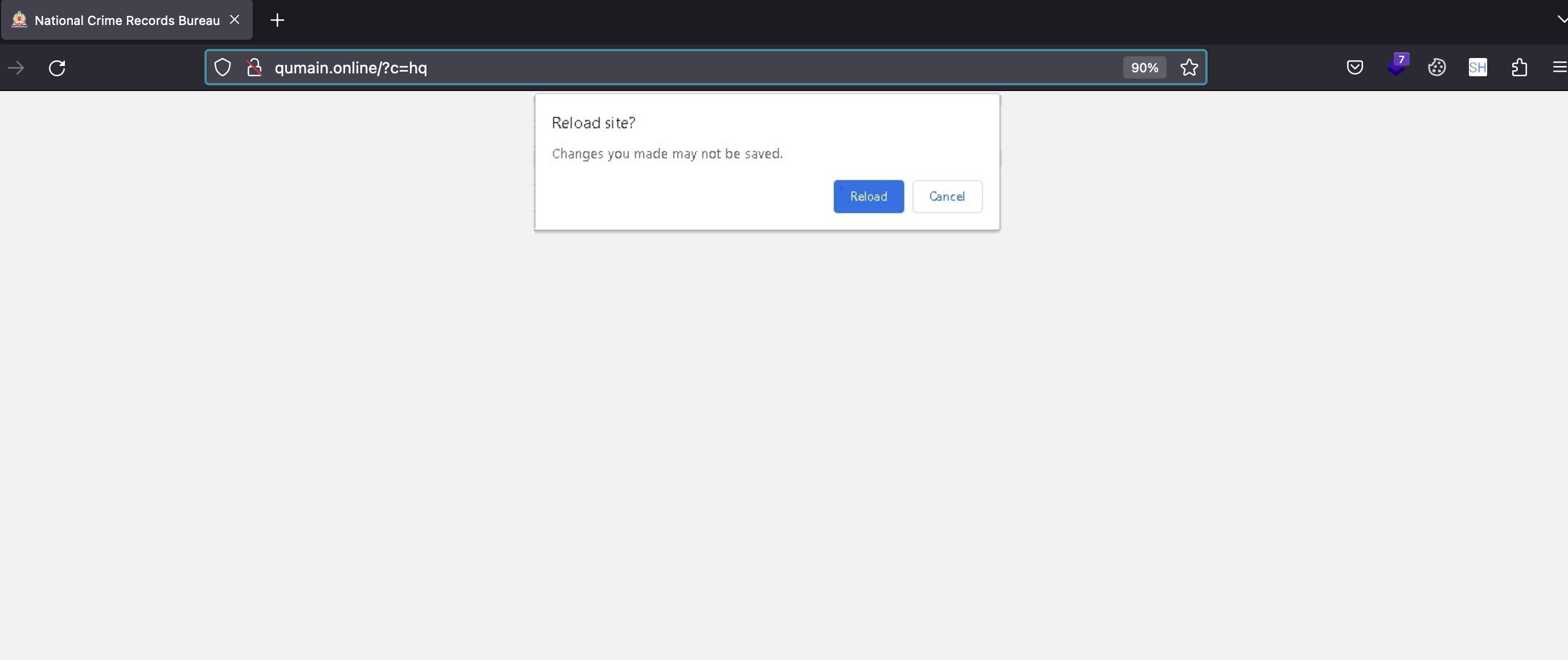
🔐 Browser Lockdown
The scam uses JavaScript to request fullscreen mode:
Once you click anywhere in browser it will automatically lock full screen mode
🧬 JavaScript Obfuscation with Base64
The source code contains several atob() functions to hide HTML and JavaScript logic. For example:
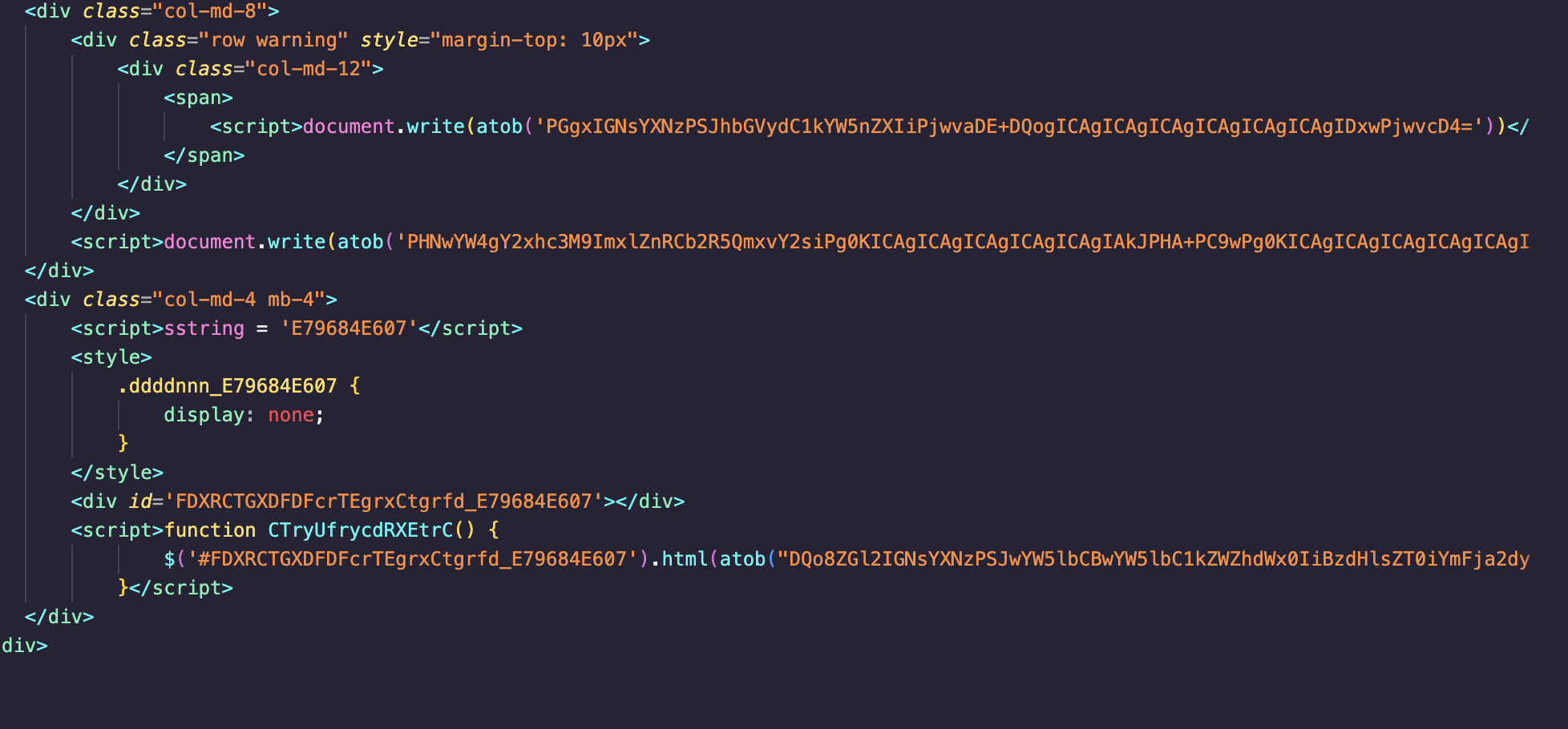
  <script>
    document.write(atob('PGgxIGNsYXNzPSJhbGVydC1kYW5nZXIiPjwvaDE+DQogICAgICAgICAgICAgICAgICAgIDxwPjwvcD4='))
  </script>
This decodes into:
  <h1 class="alert-danger"></h1>
  <p></p>
While seemingly empty, this layout is filled later using JavaScript that dynamically injects threatening content and phishing forms.
🎭 Complete Fake Browser Simulation
The scam webpage mimics a full Chrome UI window with fake address bar, buttons, and alerts. It uses static images like alert.jpg to create the illusion of a legitimate browser warning. But this is just CSS and media trickery. The page isn’t reactive to real user behavior—it’s just staged HTML.
🔒 Lockdown via Fullscreen Mode
The attacker uses:
document.documentElement.requestFullscreen();
This locks the screen, and the attacker then plays:
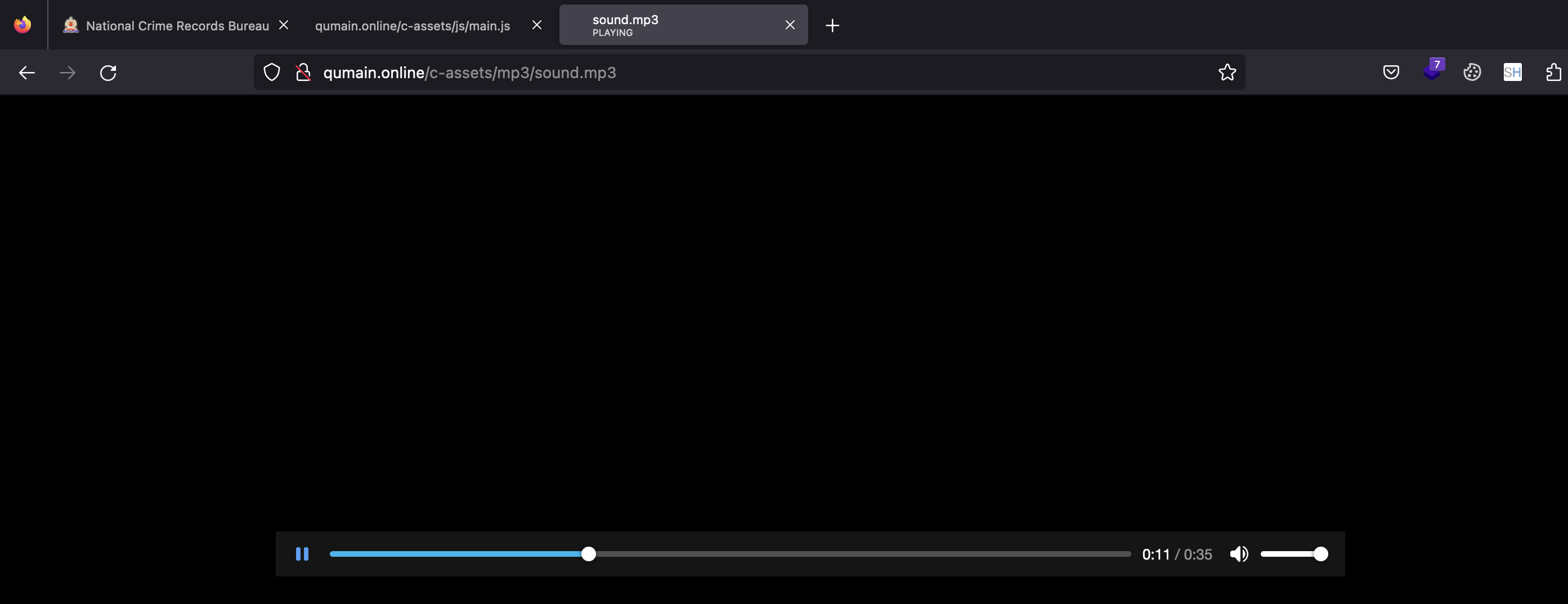
<audio autoplay src="/c-assets/mp3/sound.mp3"></audio>
This audio file is a threatening voice clip claiming legal consequences unless the fine is paid.
💳 Form-Based Phishing
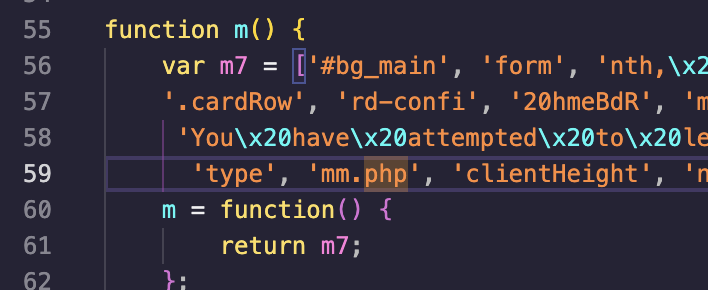
After decoding additional base64 payloads, we found forms that request credit card details and send them to mm.php. Inputs are validated using jQuery and then posted to the attacker's backend.
🧯 What to Do If You Get Locked
- 🚪 Press
Fn + F11orESCto exit fullscreen - 🧼 Close the tab or kill the browser from Task Manager
- 🔍 Inspect the site using browser dev tools to confirm it’s a fake
- 📣 Report the URL to Indian Cyber Crime portal: cybercrime.gov.in
🧠 Lessons from the Victim
This incident is a reminder that fear-driven scams are becoming increasingly sophisticated. In this case, a mix of browser manipulation, psychological manipulation, and fake UI components almost led someone to share their financial data.
⚠️ Disclaimer
This blog is for educational and awareness purposes. Please do not attempt to recreate or host malicious phishing pages. Report all scams to proper authorities.